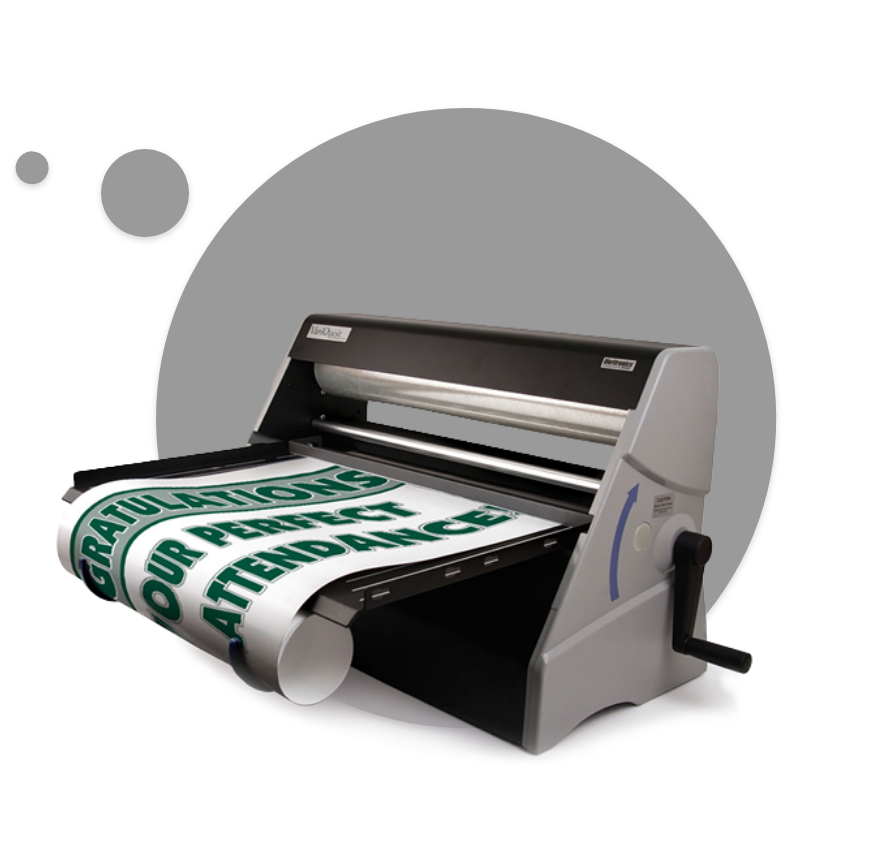
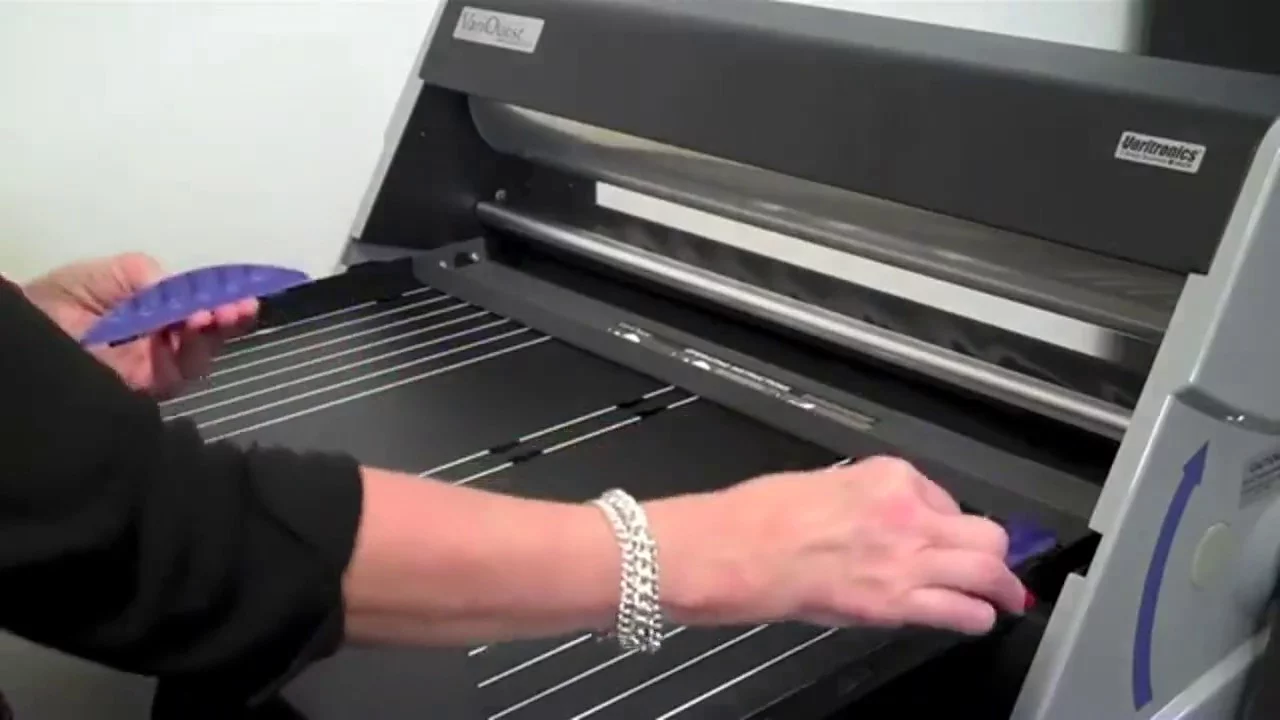


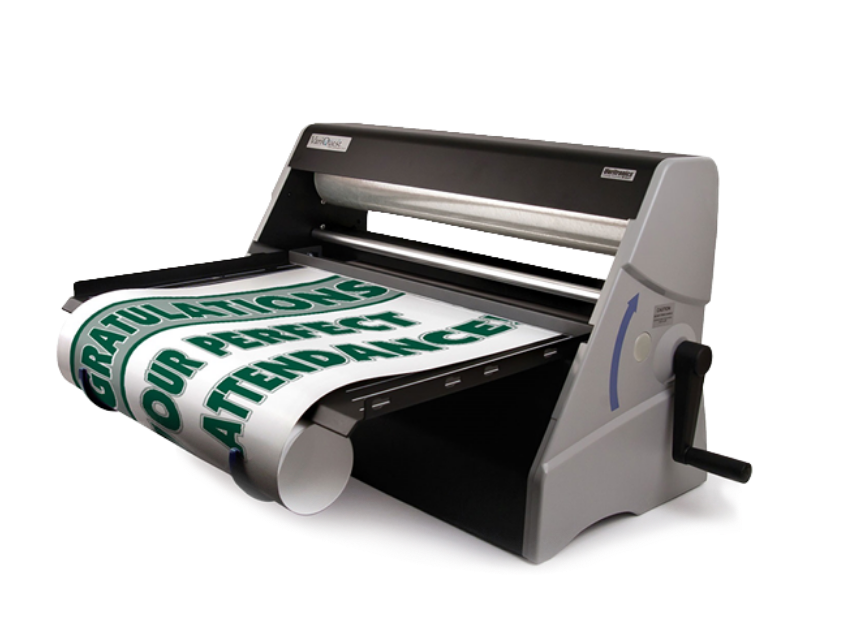
Laminate posters, banners and construction paper (for cutouts) up to 25" wide. The VariQuest Cold Laminator 2510 requires no electricity and is easy to use. In addition, save space and time with easy paper loading and output hooks that automatically roll laminated posters and banners. It's also the perfect complement to the Cutout Maker. You can laminate standard size 12” x 18” or 9” x 12” construction paper using the input guides first, and then cut out shapes, fonts and collections on the Cutout Maker. Edges won’t separate when cut, allowing students to handle and use the cutouts again and again!

Laminate documents up to 9” wide or legal-size. The ProFinish Jr. requires no electricity and is easy to use. Laminate student artwork, tests and more!

Learn how VariQuest tools can help you differentiate instruction and create an engaging learning environment.
Q: How quickly does the VariQuest Cold Laminator laminate?
A: With the turn of the crank handle the Cold Laminator laminates the document at the same speed as the handle turning. Unlike traditional school laminators, there is no need to warm up or cool down the laminator, as it requires no heat or electricity.
Q: What are the dimensions of the cold laminate film?
A: The VariQuest Cold Laminator 2510 laminate is 25” x 300’.
Q: How do I load laminate into the Cold Laminator?
A: Please see the VariQuest Cold Laminator User's Guide.
Q: How do I load documents into the Cold Laminator?
A: Please see the VariQuest Cold Laminator User's Guide for instructions on loading and aligning documents using the input guides and hooks.
Q: How do I use the output hooks?
A: Please see the VariQuest Cold Laminator User's Guide for instructions on attaching and removing output hooks.
Q: How many posters can I laminate with one roll of cold roll laminate?
A: With the Cold Laminator you can laminate about 100 standard (23” x 32”) posters using one roll of laminate.
Q: Will other cold roll laminate work in the Cold Laminator?
A: No, only laminate sold through your authorized VariQuest dealer is matched with the laminator to assure the high-quality output from the Cold Laminator. Laminate for other cold roll laminators is not compatible.
Q: Can I trim the laminated document to its edge?
A: Yes, there is no need to leave a margin of laminate as the dual-sided laminate will keep the edges from separating.
Q: What materials can I laminate?
A: The school lamination machine is compatible with all types of computer-printed media including laser, inkjet, color and thermal in a wide range of material sizes and thickness. In addition, all Poster Maker paper (TTP, DTP and HDP) can be used with the Cold Laminator.